Tiny IPTV plays the M3U or M3U8 playlist from your provider. Add the link once and your channels show up sorted by category, with their logos.
Requires Apple TV with tvOS 26 and a playlist from your IPTV provider.
Channels
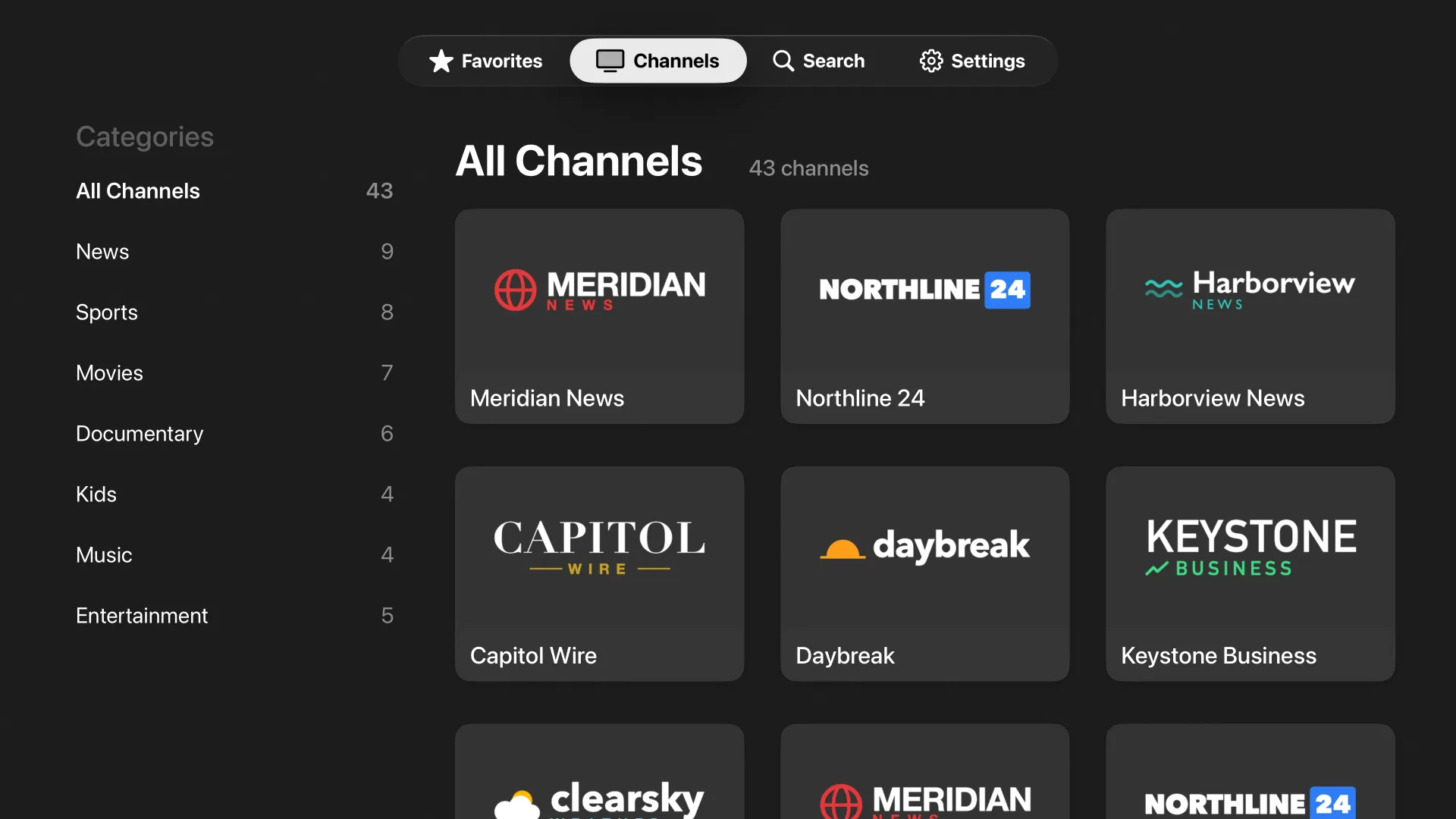
Every channel, neatly sorted
Channels are grouped by the categories in your playlist, with a count next to each one. If your provider leaves out a logo or links to a broken one, Tiny IPTV looks the channel up by name in iptv-org's logo database and fills it in.
Favorites
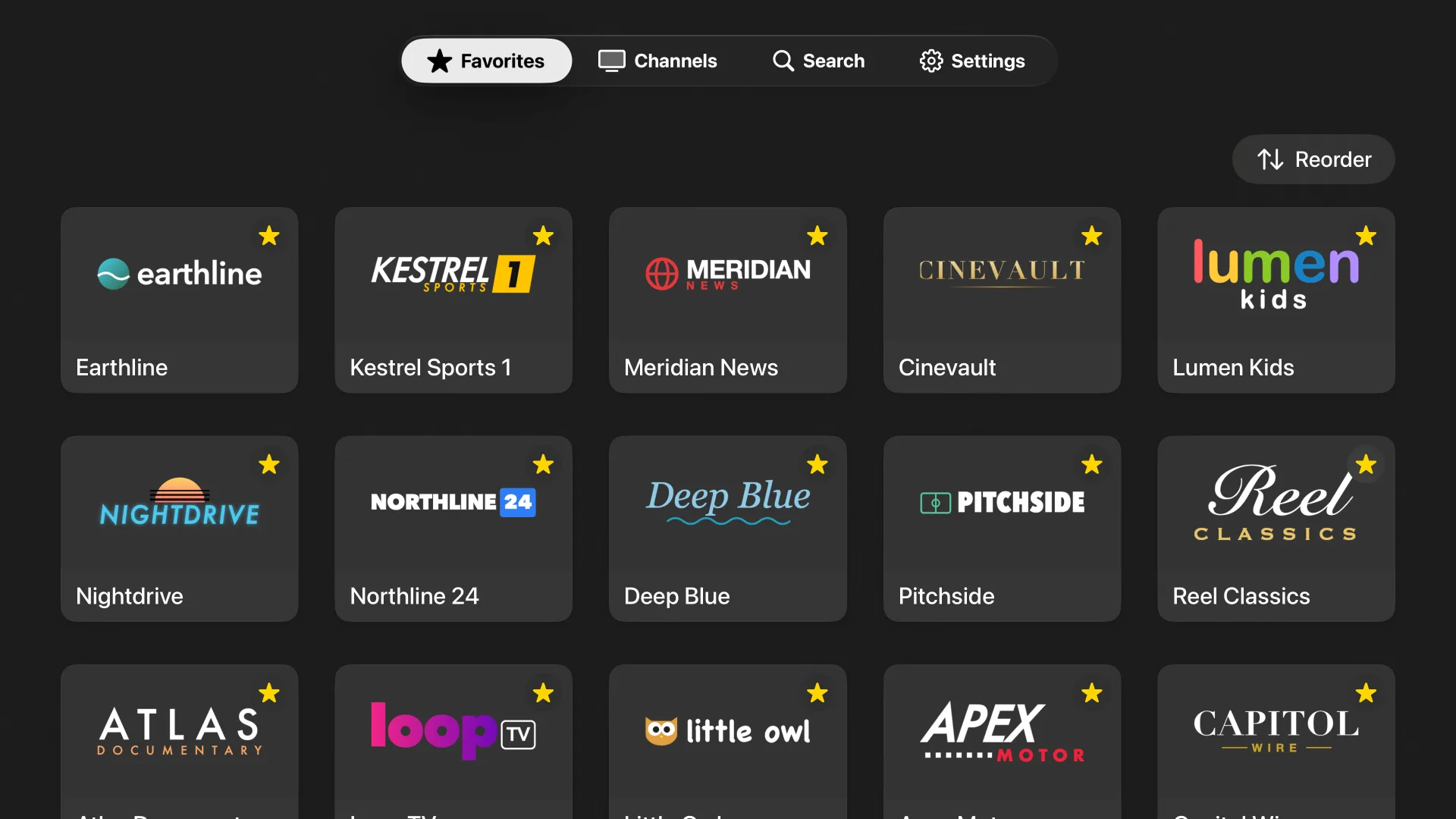
Favorites, front and center
Press and hold a channel to add it to Favorites. Once you have a few, the app opens straight to them, in whatever order you've arranged them.
Player
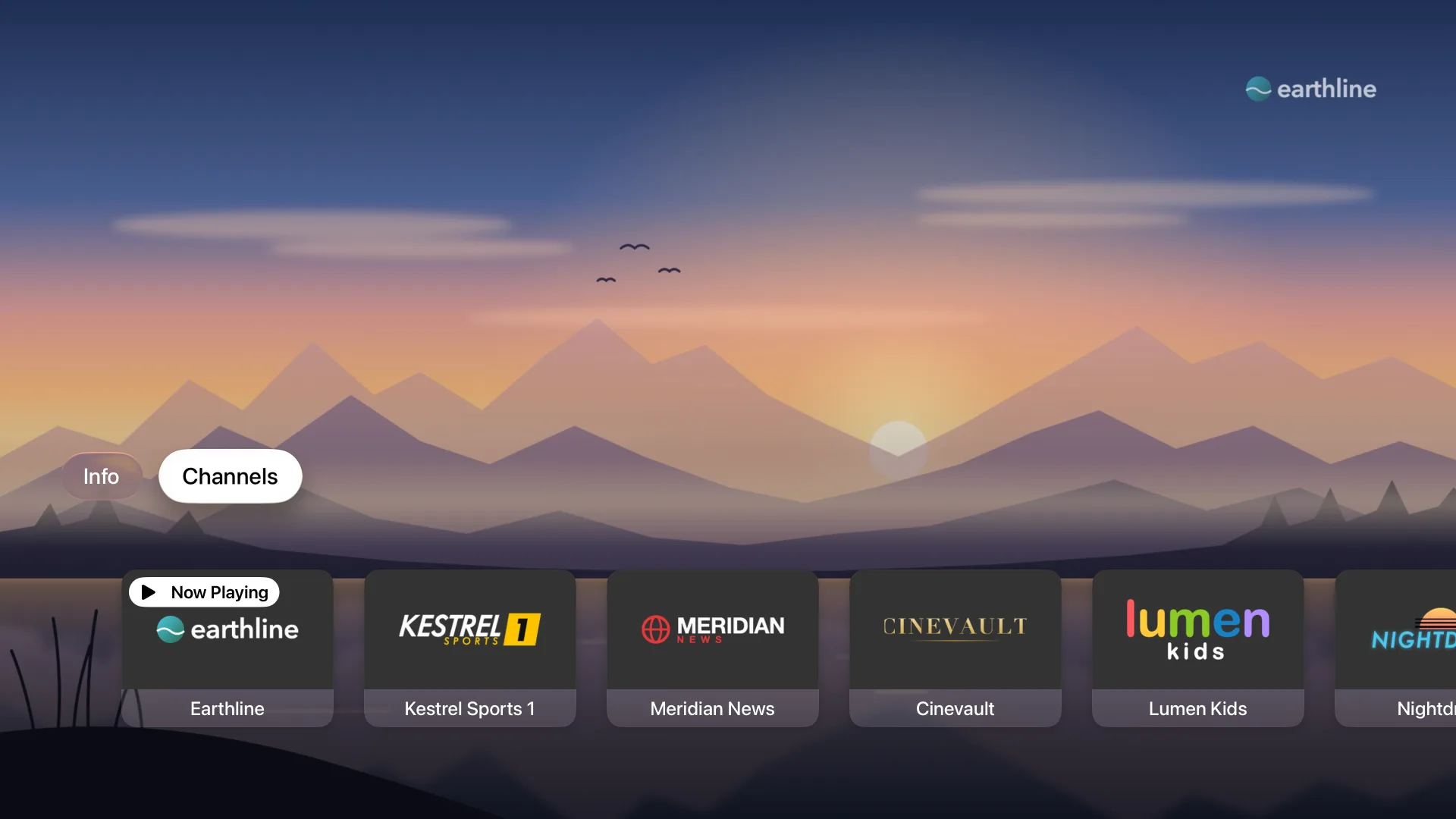
Flip channels mid-show
Swipe down on the remote while something is playing and pick another channel from the row that slides up. It lists whatever you were browsing, so from Favorites you get your favorites and from Sports you get sports.
The small stuff
Type on your iPhone
Playlist addresses are long, and typing them with the Siri Remote is painful. When the keyboard comes up, you can use your iPhone instead.
Hide what you skip
Press and hold to hide a channel or a whole category. Settings keeps a list of everything hidden, so you can bring any of it back.
Streams reconnect
When a live stream drops or stalls for too long, the player tries again on its own.
Search everything
Search looks through the channels in all of your playlists at once.
Several playlists
Add as many as you have and switch between them. A playlist that's more than 12 hours old refreshes when you open the app.
Your setup survives
tvOS can clear an app's files when the Apple TV runs low on space. Tiny IPTV keeps a second copy of your playlist addresses, so you won't have to type them in again.
Bring your own playlist
Tiny IPTV is a player. It doesn't sell channels or subscriptions, so you'll need an M3U or M3U8 link from an IPTV provider you already use.
 Tiny IPTV